macOS · Safe cleanup

Clean your Mac.
Keep control.

A safer, deliberate cleaner for macOS — see what it found, choose what goes, then clean. Nothing is deleted without your say.

We’re live on Product Hunt

Honest feedback from makers and Mac users — tell us how HideClean feels in real use.

View on Product Hunt →
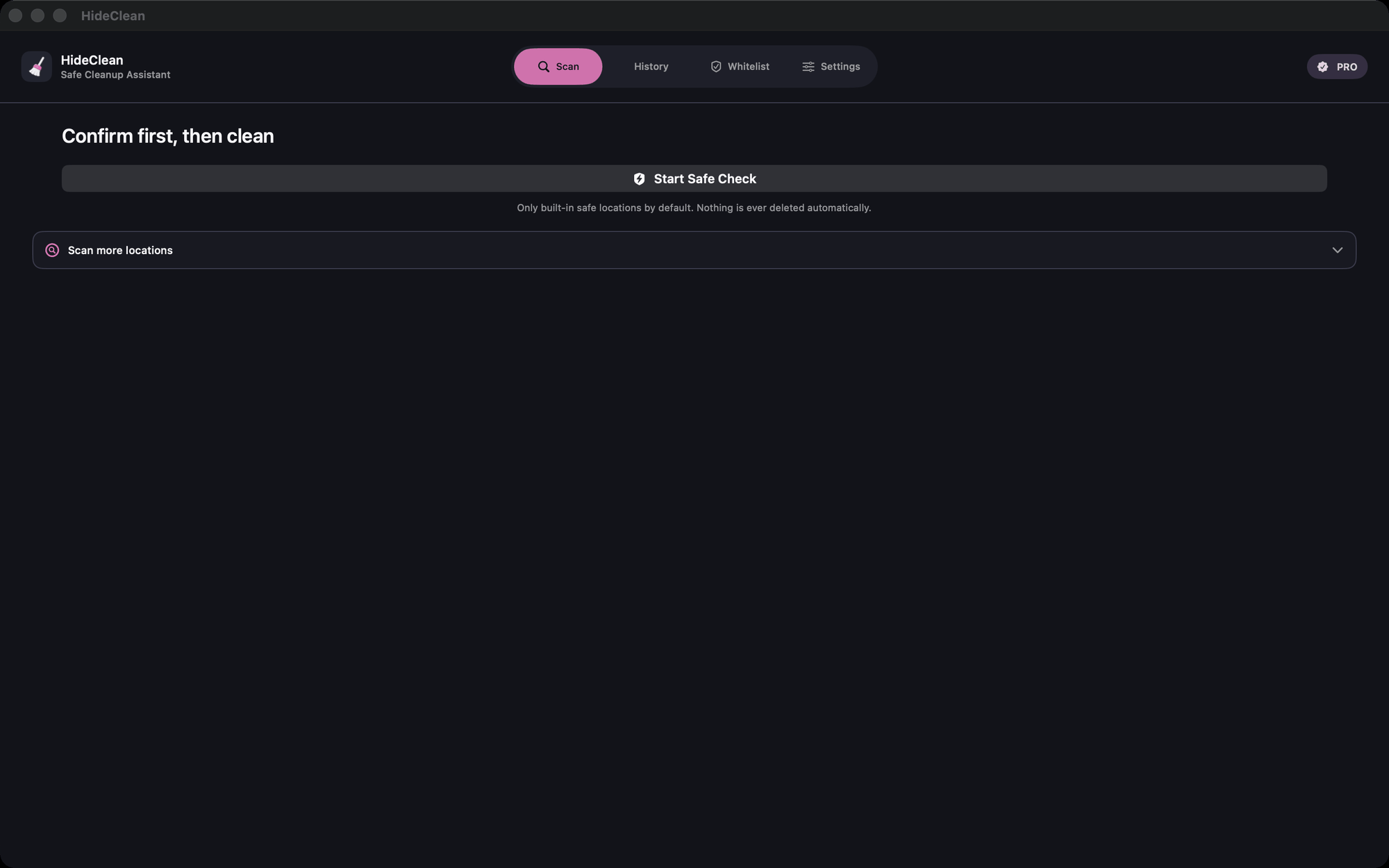

HideClean main screen — Confirm first, then clean. Start Safe Check
Confirm first Trash only · local on your Mac
01 · See

See what HideClean found

Scan results show categories, sizes, and paths before anything moves. No surprise deletions — just a clear picture of what’s safe to clean.
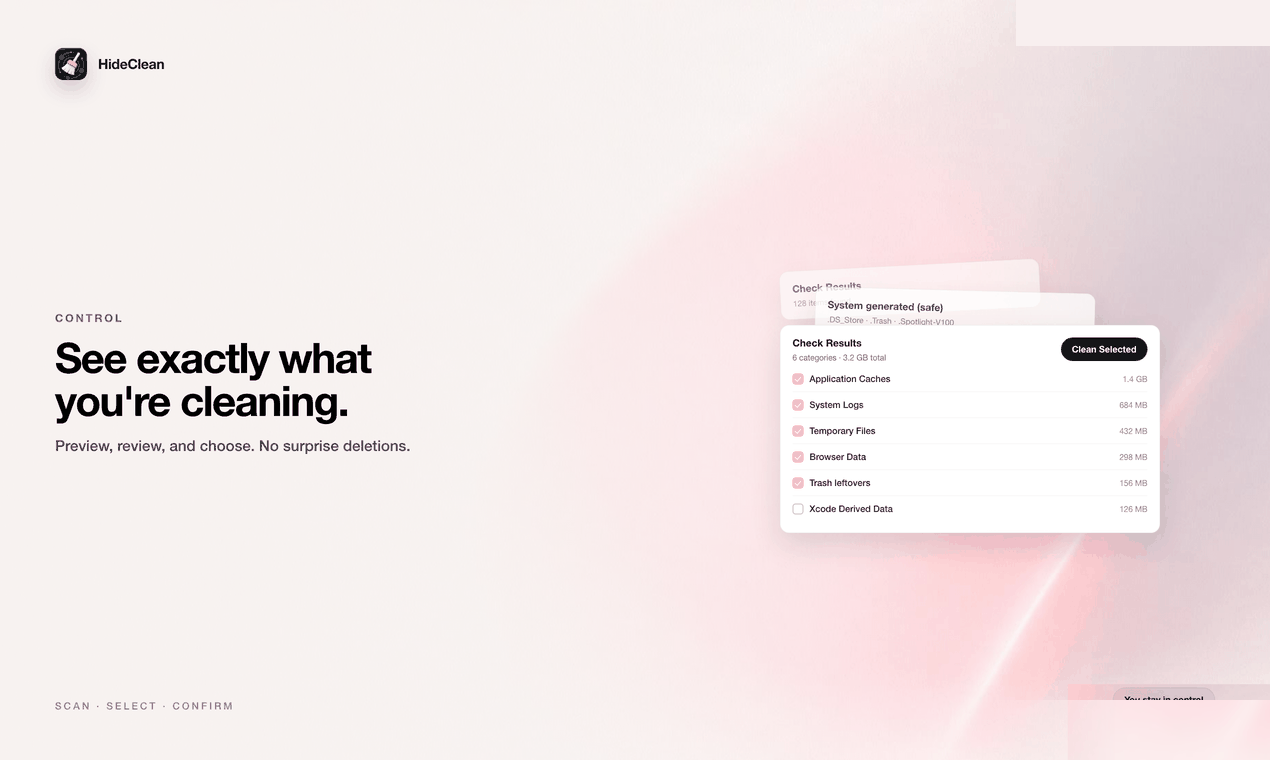
  • 1Preview first. Review every category before you act.
  • 2Sizes you can trust. Know what you’re about to free.
  • 3No mystery bulk cleanup. HideClean never deletes in the dark.
HideClean check results before cleaning
02 · Choose

You choose what goes

Select what to clean — and leave what matters unchecked. Control is the product, not a footnote.
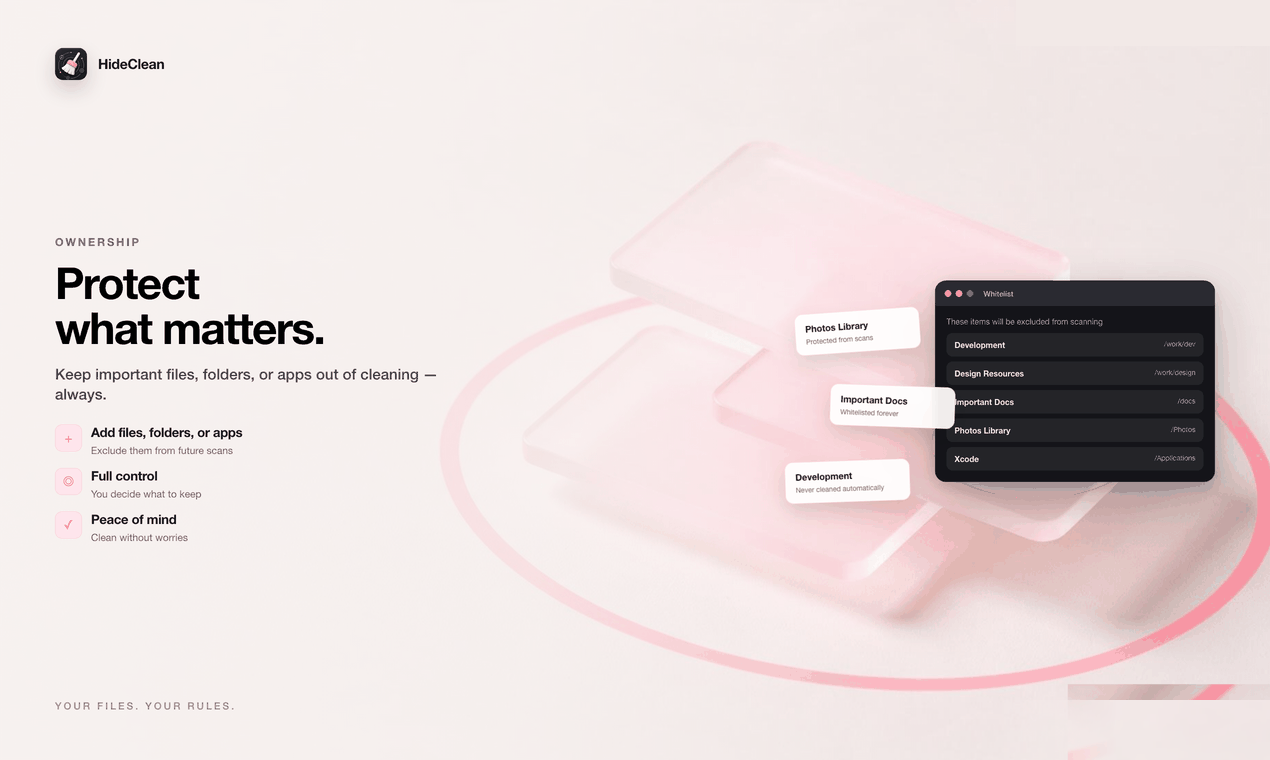
  • 1Selection is yours. Check or keep items as you wish.
  • 2Whitelist stays protected from future scans.
  • 3Nothing moves until you confirm Clean Selected.
HideClean whitelist and selection control
03 · Clean carefully

Confirm. Move to Trash. Recoverable.

HideClean only uses the system Trash. You confirm counts and size first — never a silent permanent delete.
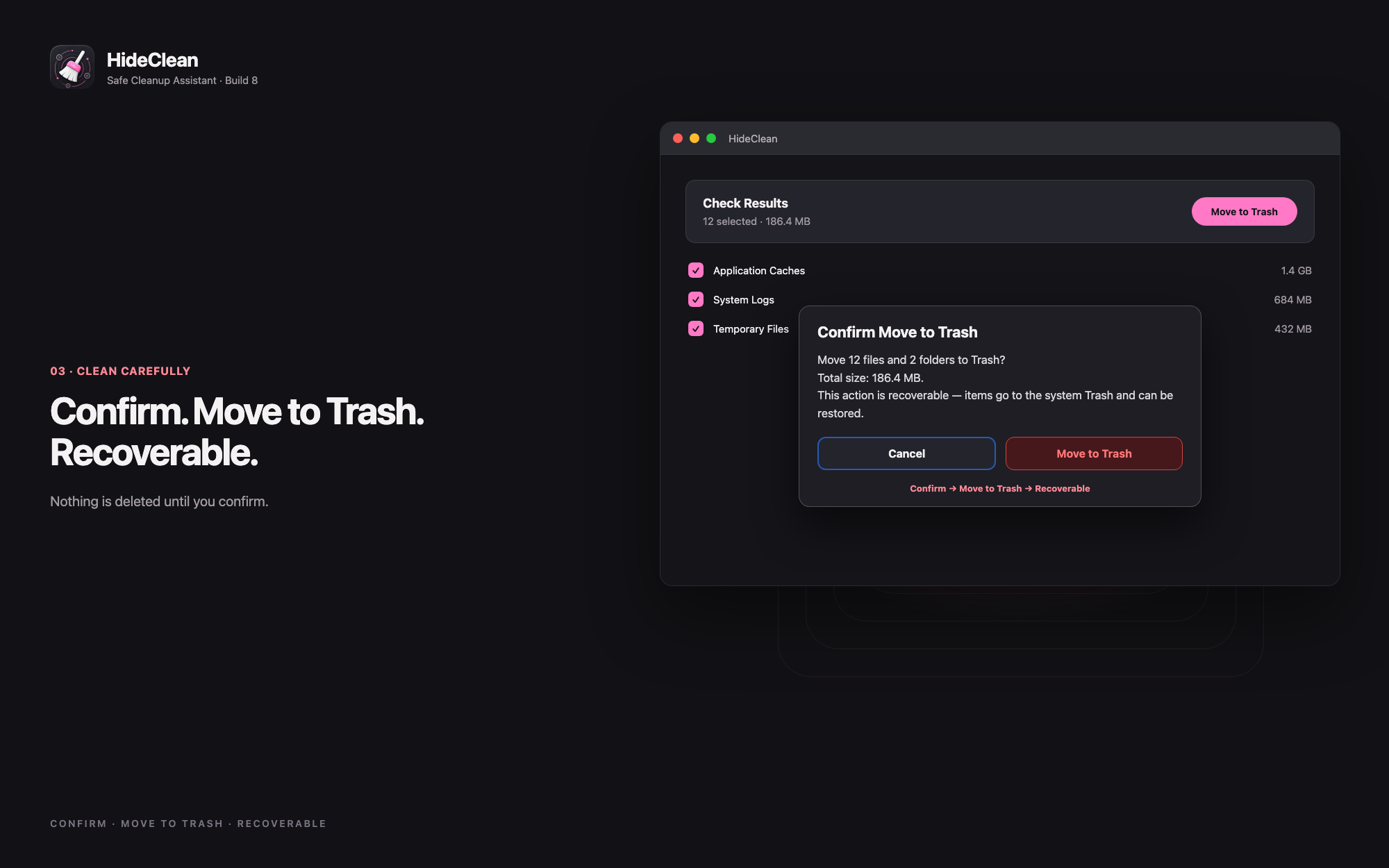
  • ✓Trash-only safety rule built into the product.
  • ✓Confirm dialog with file count and total size.
  • ✓Local-first — scanning and cleaning run on your Mac; cleanup data is not uploaded.
  • ✓No analytics or accounts on the cleanup path.
HideClean safety — confirm, then move to Trash

Built-in safety rules: confirm first, then only Move to Trash.

Product demo

Launch film & product motion

Placeholder poster until the final self-hosted Launch Film asset is ready. Structure stays — we only swap media later.
HideClean product showcase poster

Final video will be self-hosted on this site (not YouTube). Play button appears when the official cut is wired in.

Free & Pro

Start free. Upgrade once.

The free tier is fully usable for everyday cleanup. Pro is a one-time lifetime purchase — no subscription.

Free

Included with HideClean
  • Quick Temp Check & Downloads
  • High-confidence system junk types
  • Confirm → move to Trash
  • Whitelist & recent history (limited)
Get HideClean

HideClean Pro

One-time · lifetime · no subscription
  • Custom folders via system picker
  • All file types & custom patterns
  • Unlimited whitelist & full history
  • Support indie development
View in App Store

Price is shown by the App Store for your region. Restore Purchases uses your Apple ID.

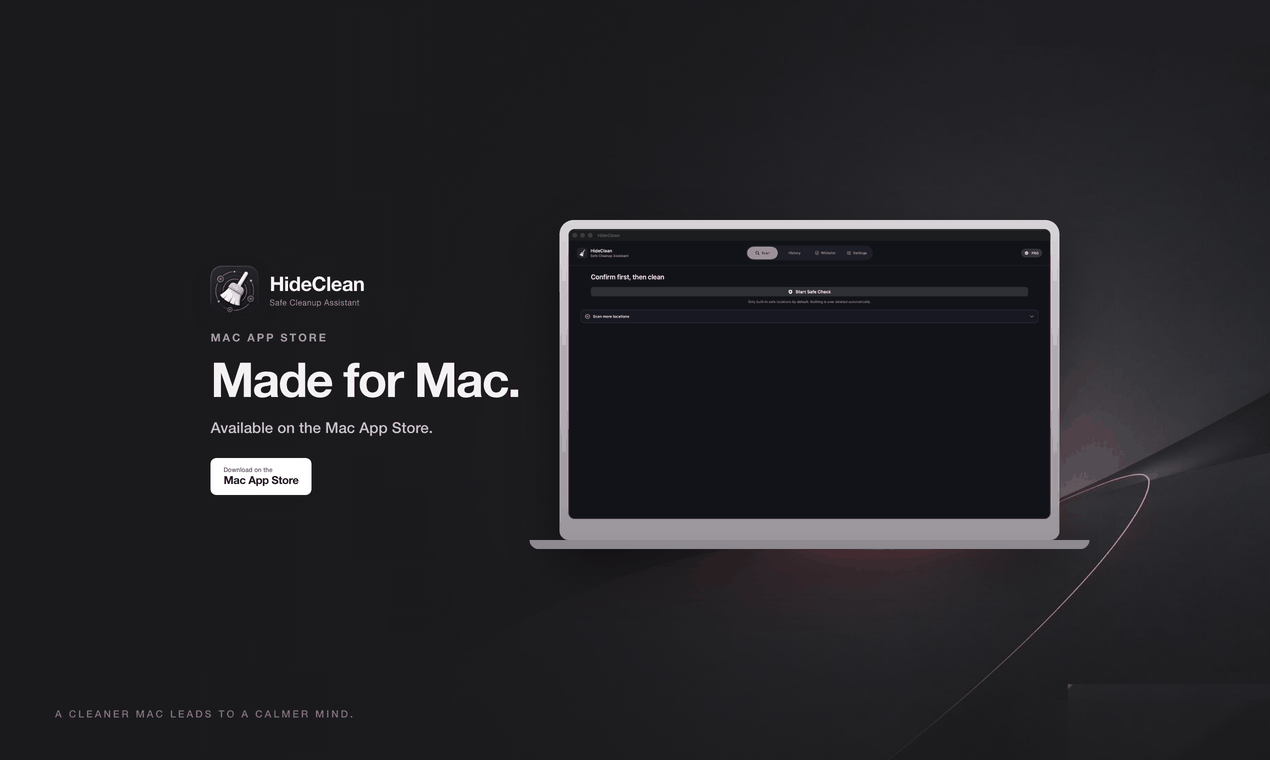
Made for Mac

Native, sandboxed, private by default

Built as a Mac App Store app with the platform’s safety model — local processing, explicit folder access, and Trash-only cleaning.

  • MmacOS 14+ · native Mac app
  • SApp Sandbox — folders only after you grant access
  • LLocal-first — cleanup stays on your Mac; no cleanup analytics upload
  • TTrash-only — files move to Trash so you can recover them
HideClean — Made for Mac
HideClean icon

Clean your Mac. Keep control.

Download HideClean from the Mac App Store.

Download on the Mac App Store

Available regions depend on the App Store. Not claiming worldwide availability.